The iOS browser built for speed.

Light, smart and nothing in your way.

This is the real bar.
Go on, type something.

9:41
Type anythingOr tap one below
Join the TestFlight beta

Free and open source. iPhone, iOS 27 or later.

Open it. It's already there.

A Wikipedia article open in roko
160 ms
to open
0.1 s
from Go to your top result
28 MB
for the whole app
0%
CPU while you read

Measured in October 2026 on Release builds: opening on iPhone 17 Pro, page load and CPU in the simulator, size from the build. Yours will vary with your iPhone and connection.

The fastest of ten browsers.

  1. roko1.07 s
  2. Quiche1.70 s
  3. Lens2.76 s
  4. Arc Search3.41 s
  5. Firefox3.47 s
  6. Brave3.54 s
  7. DuckDuckGo4.33 s
  8. Chrome4.96 s
  9. Safari4.96 s
  10. Edge5.46 s

Smart when you ask.

Both run on Apple's AI, right on your iPhone. Prefer Claude? Add your own API key.

Pull down to summarize.

A recipe gets its time, ingredients and steps. A review, its picks side by side. A news story, what happened.
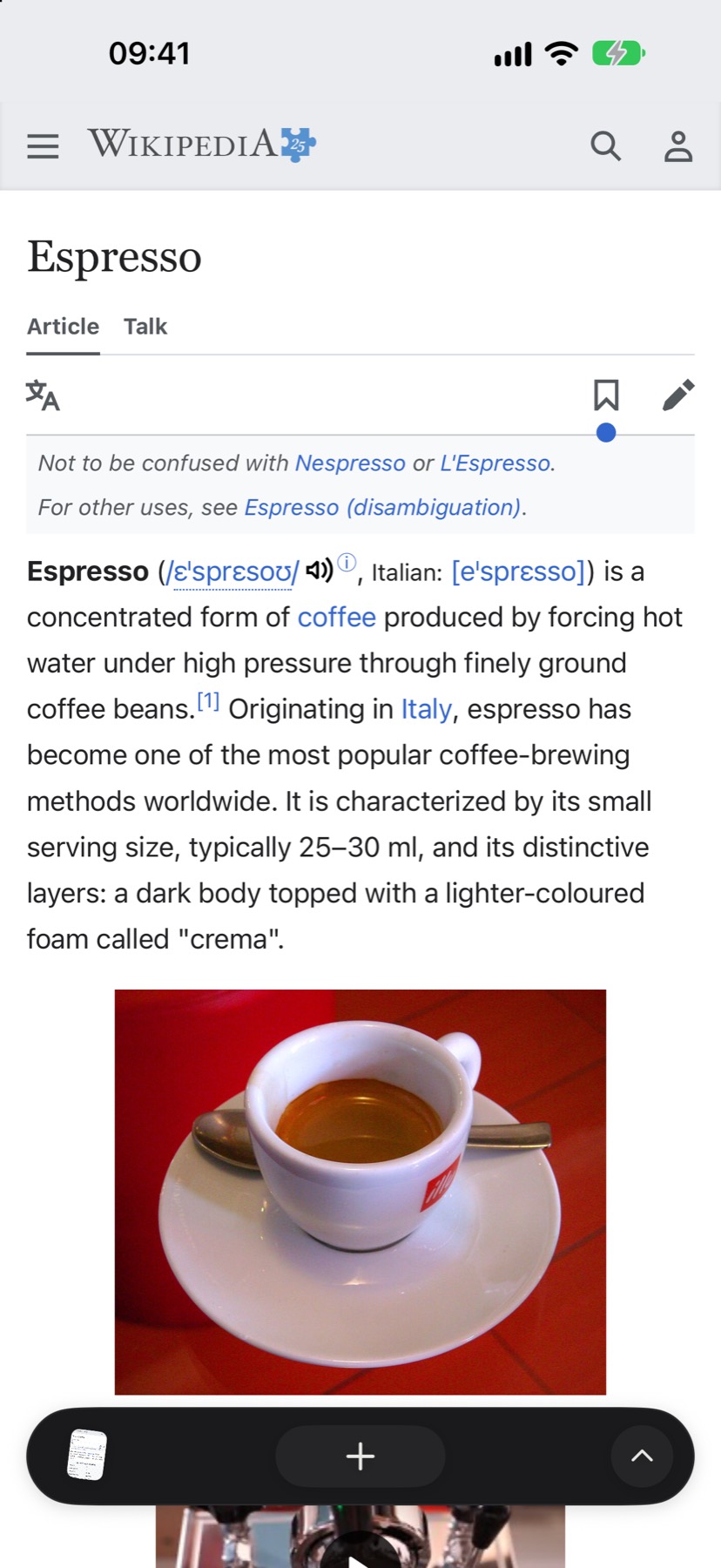
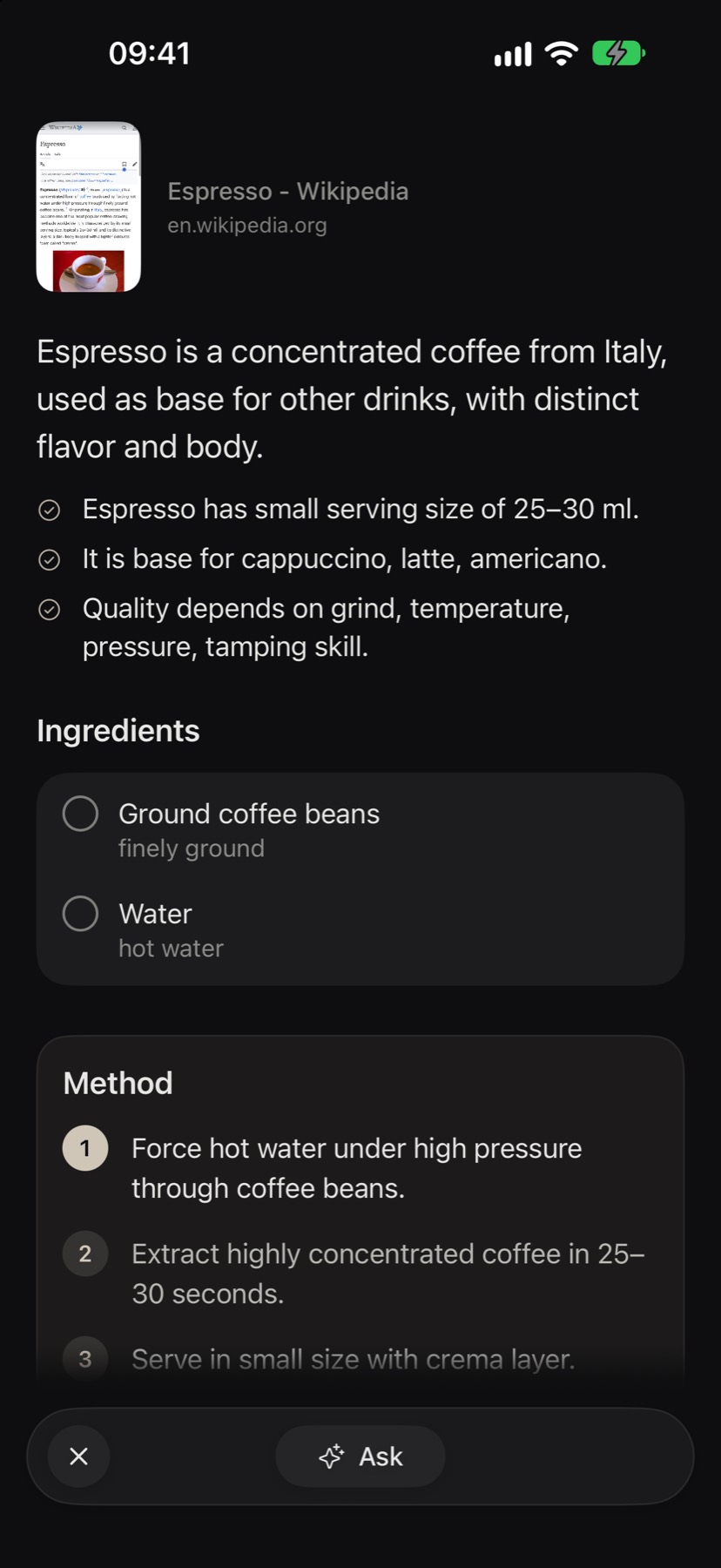
A Wikipedia article about espressoThe same article as a summary, with its ingredients and method

Ask. It reads the web for you.

An answer with numbered sources, the best options with their prices, and what to watch out for.
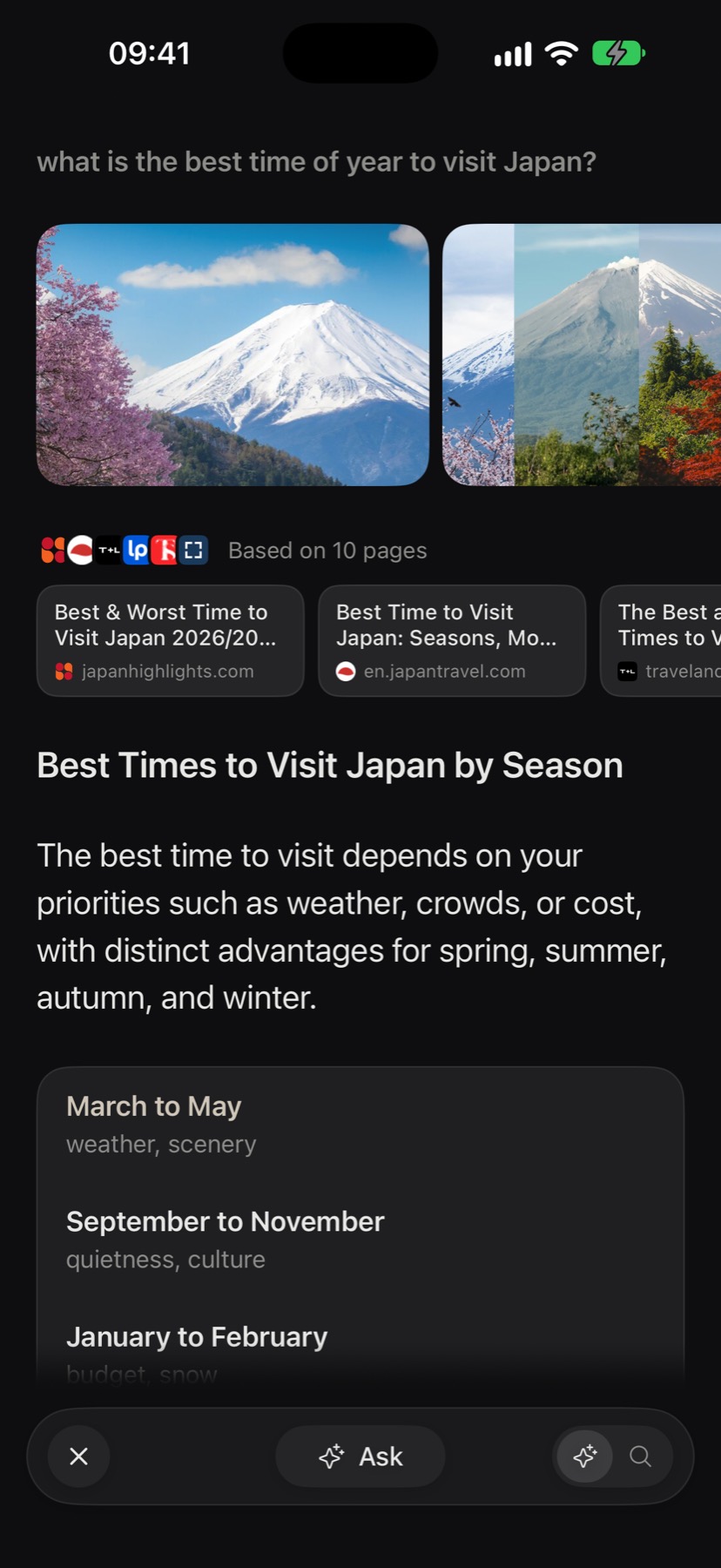
Browse for Me answering when to visit Japan, based on 10 pages

One bar, a lot of jobs.

Hold + and say it.

The words land in the bar as you speak. Let go and it's done.

Hold + to try it. This demo doesn't use your microphone.

Search or enter address
Say anythingA site, a question or a to-do

Type it. It's a to-do.

It lands on your list with its time, and stays in step with Apple Reminders.

call Petra tomorrow at 15
Call PetraTomorrow at 3:00 PM
To-do
call Petra tomorrow at 15Search Google
Browse for meReads the web and answers

Tick it off from a widget.

What's left today sits on your Home Screen, with the weather beside it. Tap a circle to try it.

14°Partly cloudy8° to 17°
To-do3 left

Shopping that sorts itself.

Type or say what you need. It lands in the right aisle and the right shop. Tap one to tick it off.

shopping milk, bananas, shampoo
Milk, Bananas, ShampooAdd to Shopping
Add

Fruit and vegetables

Dairy and eggs

Private when you want it.

Tap the eye to try it. Your pins, history and suggestions step aside.

Private search
Private browsing is onPages you open here stay out of your history. Their cookies and sign-ins go when you close your last private tab.
Espresso - Wikipediaen.wikipedia.org
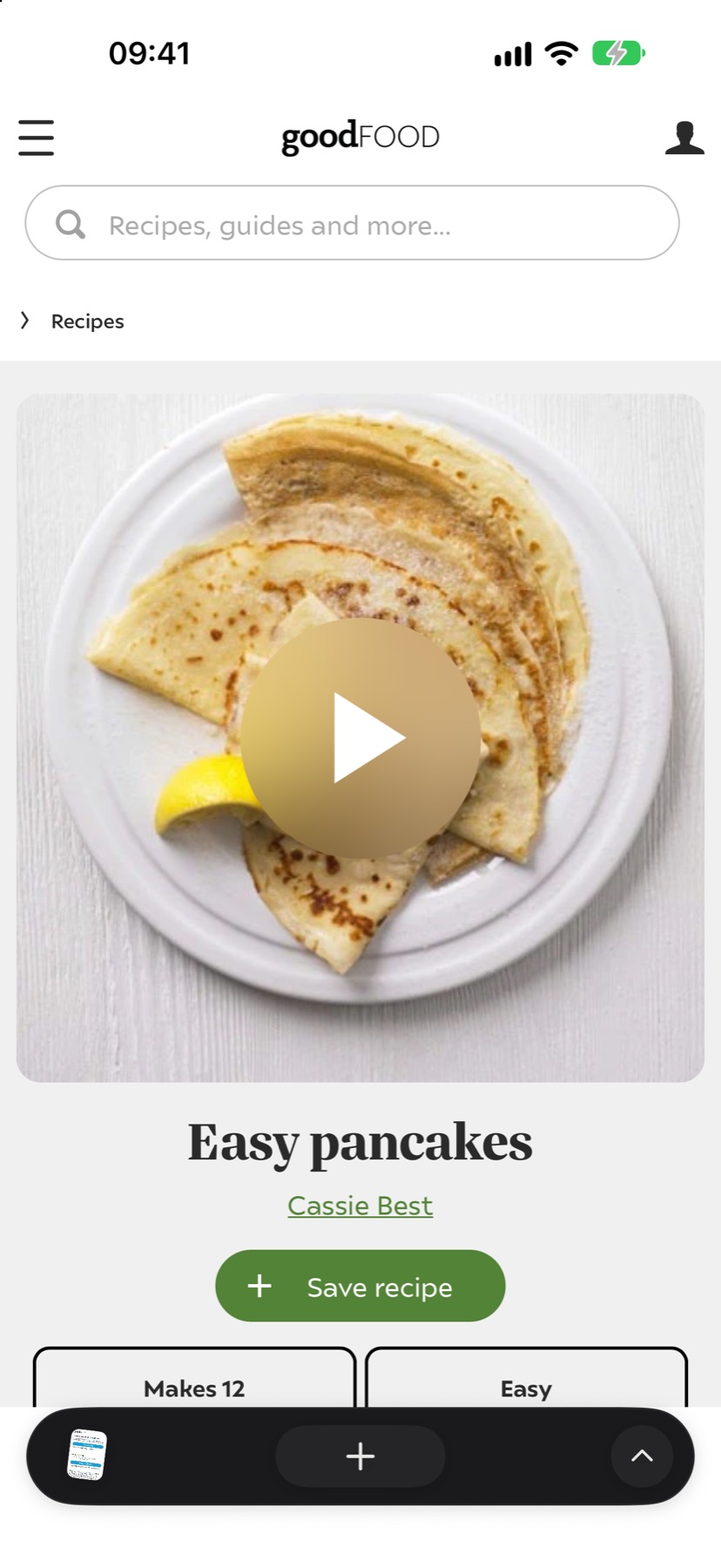
Easy pancakesbbcgoodfood.com
Bourbon coffee - Wikipediaen.wikipedia.org

Nothing in your way.

Ads and trackers go before the page draws. Cookie questions get "reject". Newsletter pop-ups stay hidden.

Drag across the page to see both.

Without roko133 partners want a word first.
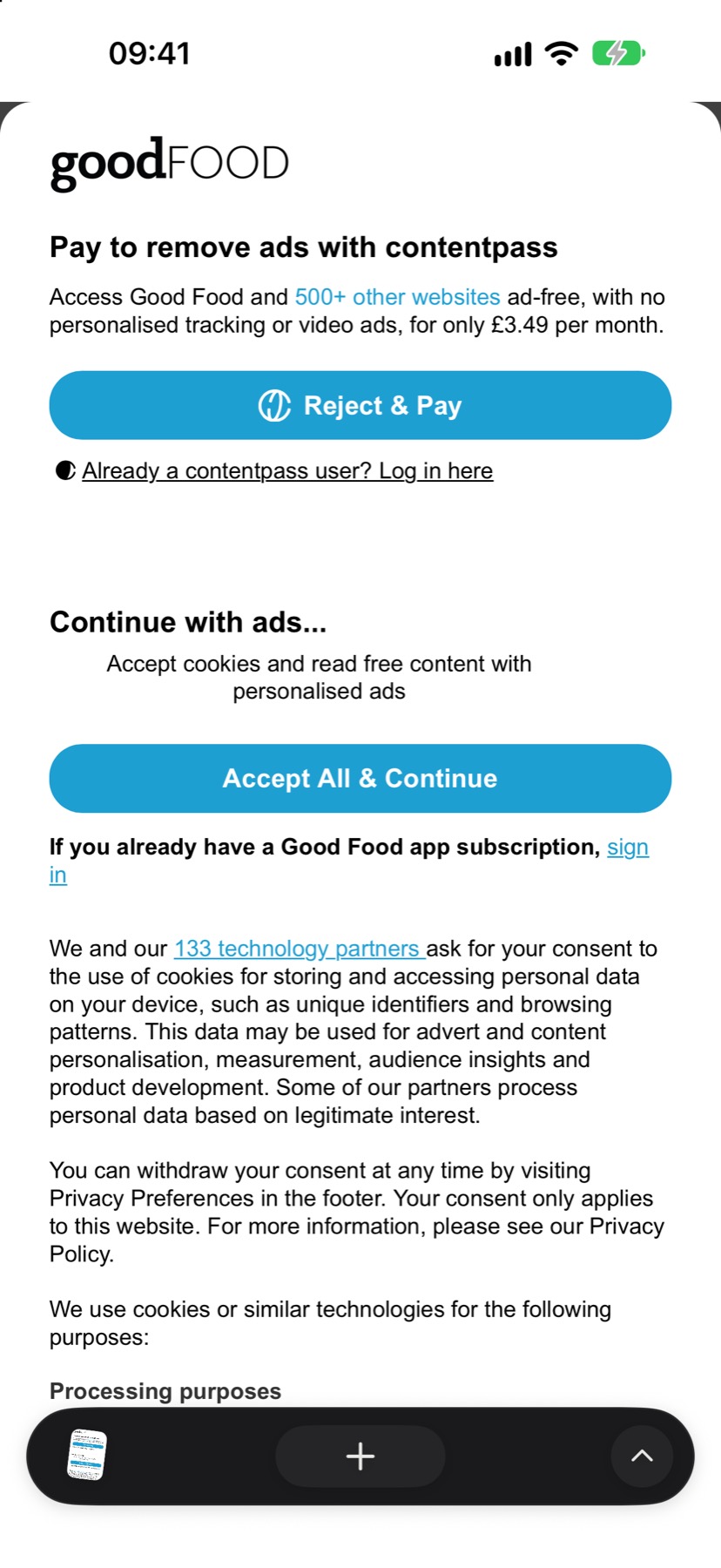
A recipe page hidden behind a cookie wall from 133 partnersThe same recipe in roko, with no wall

With rokoThe pancakes.

Still see it? Tap it away.

Tap a sticky bar or a promo twice and it stays gone on that site.

Try it on this made-up page.

9:41
Tap it again to hide itOr tap something else

Two pages at once.

Upright or sideways. Drag the divider to give one page more room.
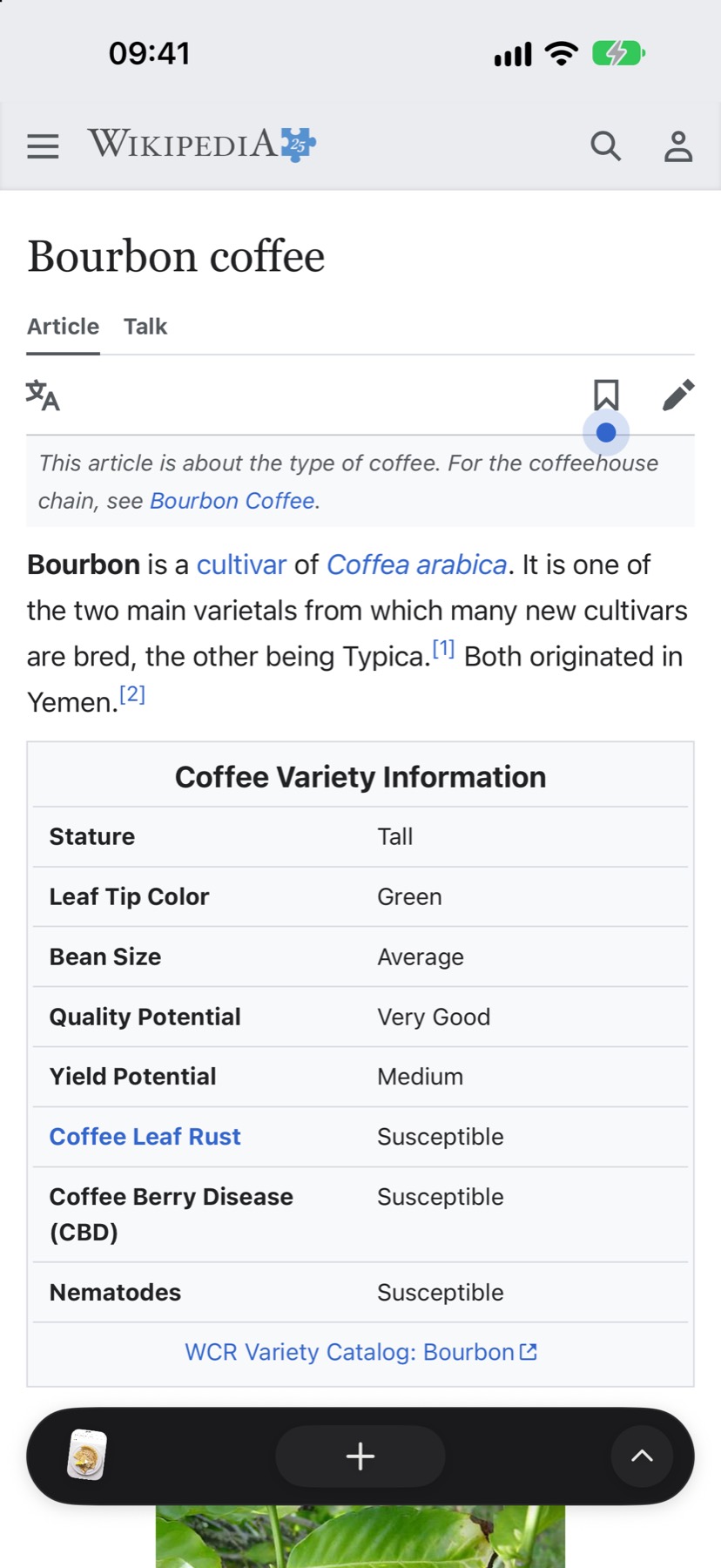
The Espresso article on top
The Bourbon coffee article below

And the small things.

Questions.

Is it free?

The beta on TestFlight is free.

What does roko know about me?

There's no account, no ads and no tracking of its own. The privacy policy lists everything that leaves your iPhone.

Which iPhones does it run on?

Any iPhone on iOS 27 or later. Without Apple Intelligence, summaries and answers need your own Claude API key.

Does it work on iPhone Duo?

Yes. Split View parts at the fold, and the controls stay off it. Prop it open like a small laptop and the page stands above, with a trackpad for it below.

Which AI does it use?

Apple's, on your iPhone, with no account. Summaries are written right there. Browse for Me searches the web through DuckDuckGo, reads the pages, then writes its answer there too.

You can add your own Claude API key. Browse for Me then uses Claude, and so do summaries Apple's model can't write well. That text goes to Anthropic under your key, and Anthropic bills you for it.

Can it be my default browser?

Not yet. That needs Apple's approval, and so do passkeys and passwords matched to the site you're on. We're asking.

Is it open source?

Yes. The app, its server and this site are on GitHub, under the GPL-3.0 licence.

A site isn't working right.

Open the page menu and tap the blocking card. That site goes back to the original, and every other site stays clean.